Understanding TradingView’s Interface
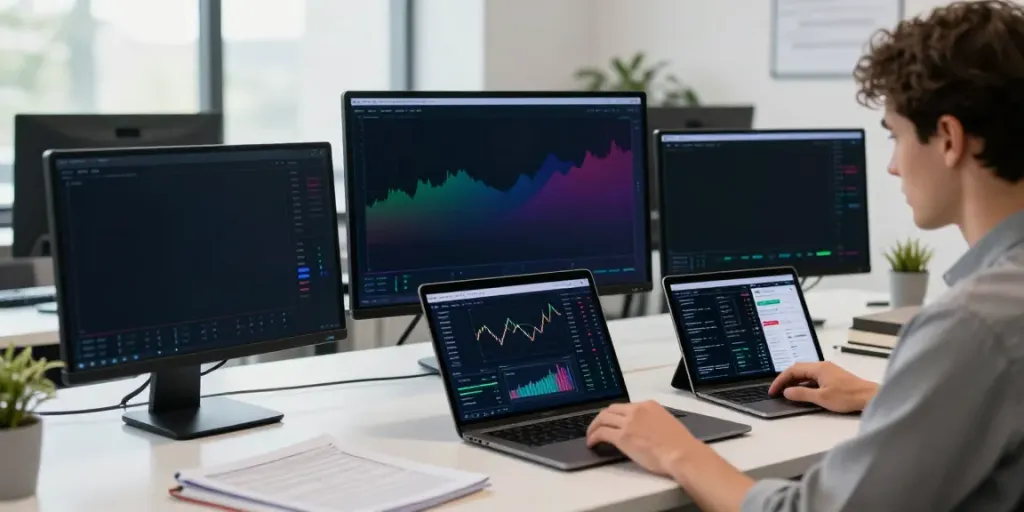
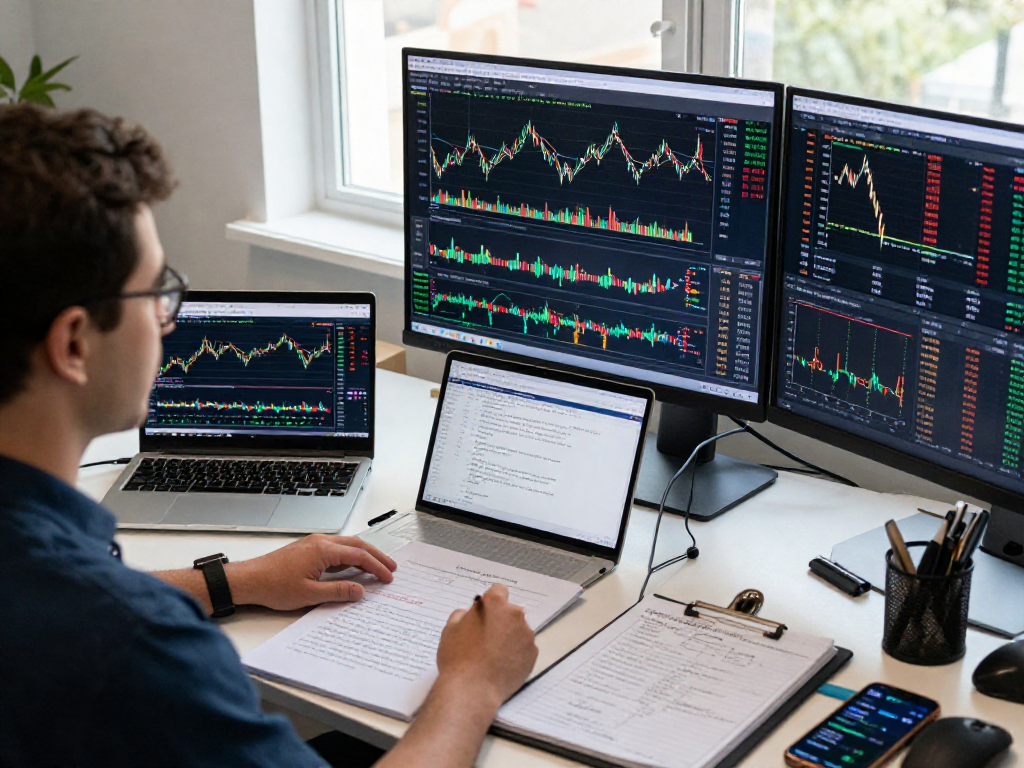
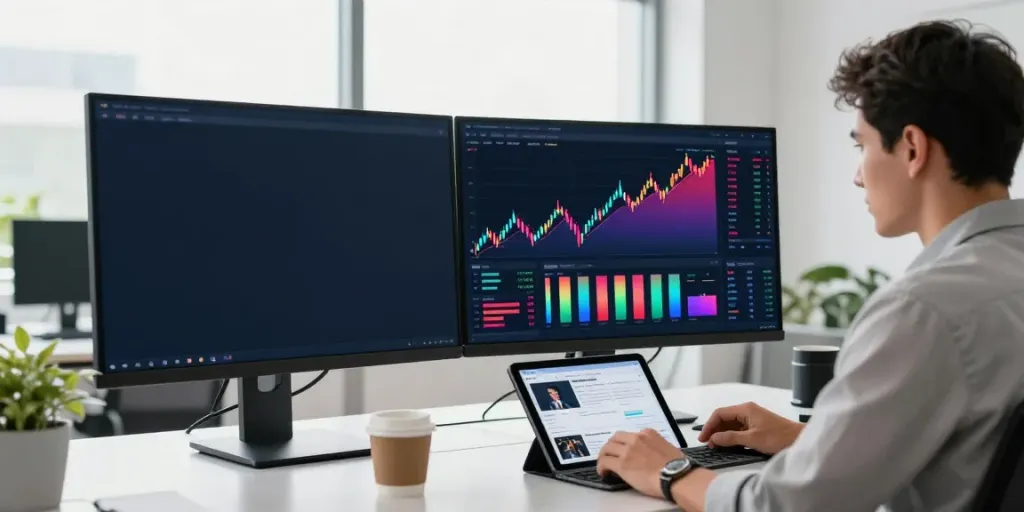
TradingView is a powerful tool that offers traders and investors a comprehensive workspace for analyzing markets, executing trades, and sharing insights. Whether you're looking to delve into stock, forex, or cryptocurrency markets, the platform's user-friendly interface makes it easy to navigate various market categories and customize your trading environment. By utilizing the TradingView platform, you can streamline your research process and gain valuable insights into market dynamics.
Overview of Dashboard Features
The dashboard of TradingView is designed to be intuitive, providing users with a streamlined experience. Key features include:
- Charting Tools: Access a variety of chart types, including line, candlestick, and bar charts.
- Technical Indicators: Over 100 built-in indicators like moving averages, Bollinger Bands, and RSI to support your analysis.
- Watchlists: Customize your stock and asset watchlists to keep track of your favorite instruments.
- Alerts: Set alerts based on price movements or indicator triggers to stay informed without monitoring the platform constantly.
Navigating Market Categories
TradingView provides access to a wide range of markets, including stocks, indices, forex, futures, and cryptocurrencies. Users can easily switch between categories using the search bar or the main navigation menu. The ability to filter by performance metrics, such as market capitalization or volume, helps you quickly identify potential trading opportunities.
Customizing Your Trading Workspace
One of the standout features of TradingView is the ability to customize your workspace according to your personal trading style. You can:
- Select specific time frames for your charts, from minutes to months.
- Arrange multiple charts side by side for comprehensive analysis across different instruments.
- Save your layout and access it across devices, ensuring you have a consistent trading environment.
Executing Effective Trades with TradingView
To make the most out of TradingView, it’s essential to understand how to execute trades effectively. The platform enables you to set alerts, utilize technical indicators, and analyze market sentiment, creating a robust trading strategy.
Setting Up Alerts for Price Movements
Alerts are invaluable for traders looking to capitalize on price movements without constant monitoring. With TradingView, you can set alerts that notify you when the price reaches a certain level or when a specific condition is met in the market. This functionality allows you to act swiftly on opportunities, ensuring that you don't miss out on significant price changes.
Using Technical Indicators for Decision Making
The use of technical indicators can enhance your decision-making process. With TradingView, you have access to a vast library of indicators that can be applied to any chart. Common indicators include:
- Moving Averages: Helps smooth out price data to identify trends over specific periods.
- MACD: Assists in identifying potential buy and sell signals by showing the relationship between two moving averages.
- Fibonacci Retracement: A tool for identifying potential support and resistance levels based on previous price movements.
Understanding Market Sentiment with TradingView
Market sentiment is a critical component of trading. By analyzing social media sentiments and community discussions within TradingView, traders can gauge the mood of the market. This information can significantly influence your trading strategy, allowing you to make informed decisions based on what other traders are thinking and doing.
Backtesting Strategies in TradingView
Backtesting is a vital process for any serious trader. TradingView offers a built-in strategy tester that allows users to validate their trading strategies against historical data. This capability is crucial for refining strategies and boosting confidence before executing live trades.
Utilizing the Strategy Tester Tool
The Strategy Tester tool simulates how your trading strategy would have performed in the past. By inputting your parameters and running tests, you can analyze metrics such as:
- Win Rate: The percentage of profitable trades against total trades.
- Drawdown: The measure of declines from your peak to your lowest point in a given timeframe.
- Profit Factor: The ratio of gross profit to gross loss, indicating the potential profitability of your strategy.
Analyzing Historical Data for Strategy Improvement
Historical data analysis is key to improving your trading strategies. By examining past trade outcomes, you can identify patterns and adjust your approach accordingly. TradingView makes this easy with its extensive database of historical price action and technical indicators.
Documenting Trade Outcomes for Future Reference
Keeping a trading journal is essential for any trader. By documenting your trade decisions, outcomes, and strategies, you can review and learn from your experiences. TradingView allows you to log your trades directly within the platform, making it convenient to track performance and identify areas for improvement.
Community Insights and Best Practices
The TradingView community is a valuable resource for traders of all levels. Engaging with fellow traders can provide insights, new strategies, and feedback on your own approaches, fostering a collaborative environment for learning and growth.
Engaging with the TradingView Community
TradingView hosts a vibrant community where traders share their charts, ideas, and analysis. By engaging with these posts, you can gain fresh perspectives, discover new trading strategies, and connect with other traders to exchange insights. Membership in the community also allows you to participate in discussions and ask questions, enhancing your overall trading knowledge.
Learning from Popular Strategies in Community Posts
Community posts often highlight successful trading strategies. By studying these strategies and the rationale behind them, you can adapt elements to fit your own trading style. Look for posts that provide clear explanations of market conditions and reasoning, as these insights can be invaluable in improving your trading approach.
Contributing Your Insights and Strategies
As you become more experienced, consider contributing your own insights and strategies to the TradingView community. Sharing your expertise can help others while also solidifying your own understanding of market dynamics. Peer feedback can elevate your trading skills and help refine your strategies through collaboration.
Future Trends in Trading Platforms
As we look towards 2026, the trading landscape is poised to evolve significantly. Innovations in trading platforms like TradingView will play a pivotal role in enhancing user experiences and expanding trading capabilities.
Innovations to Expect in 2026
We can anticipate numerous advancements in trading technology, from improved user interfaces to enhanced data analytics tools. Features such as real-time sentiment analysis, machine learning algorithms for pattern recognition, and more comprehensive integration with external data providers will undoubtedly reshape how traders interact with markets.
Integrating AI and Machine Learning in Trading
The integration of AI and machine learning into trading strategies is on the rise. These technologies can analyze vast amounts of data rapidly, identifying potential trade opportunities in real-time. Future updates to platforms like TradingView are expected to leverage these technologies to offer traders more precise forecasting and risk management tools.
Preparing for Changes in Market Dynamics
Market dynamics are constantly changing, influenced by geopolitical events, economic indicators, and emerging technologies. Traders will need to adapt their strategies to remain competitive. Educating yourself about these changes and leveraging platforms that provide real-time data and analytics will be essential for staying ahead.